Control your Xbox with your Android device
What does Xbox Smartglass do?
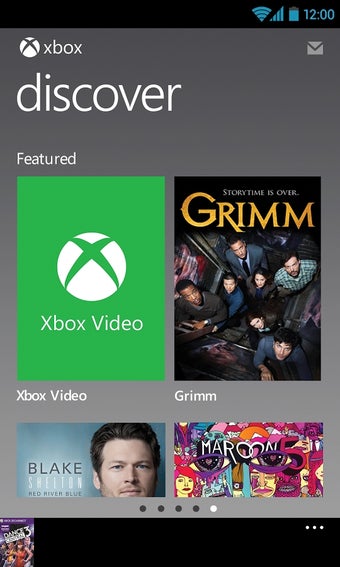
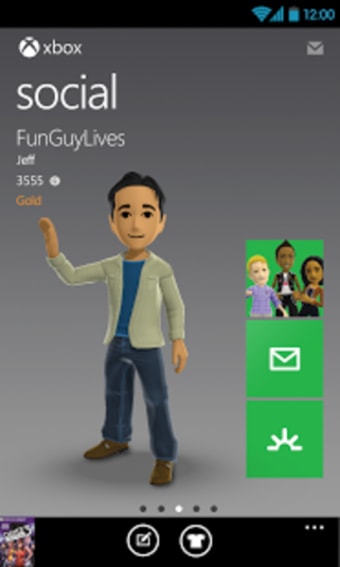
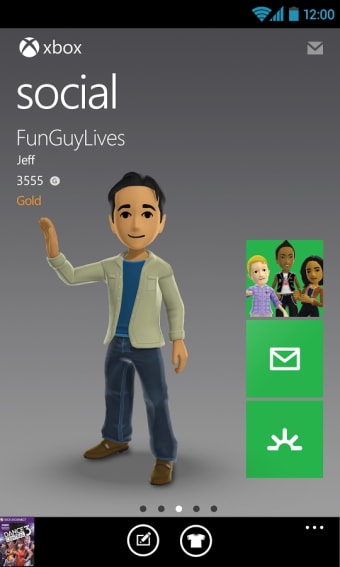
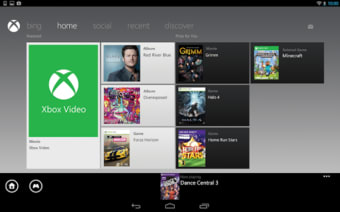
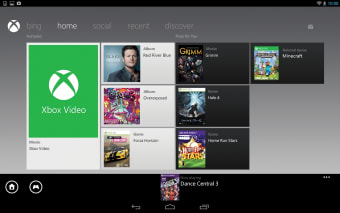
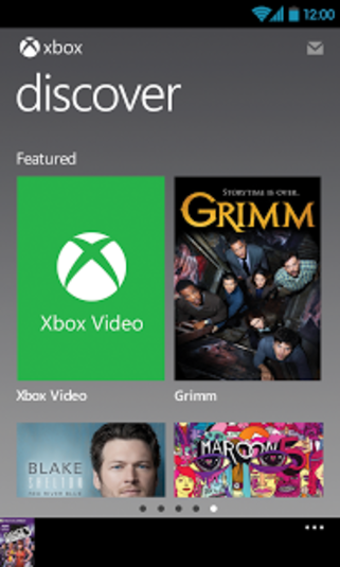
Microsoft has taken note that many people use their phones and tablets while watching television. Xbox 360 SmartGlass takes this concept and turns your Android phone or tablet into a device that supplements your viewing or listening experience on the Xbox. Some of the social features are duplicated in My Xbox LIVE, which I expect Microsoft to discontinue in favor of Xbox SmartGlass.
Top Recommended Alternative

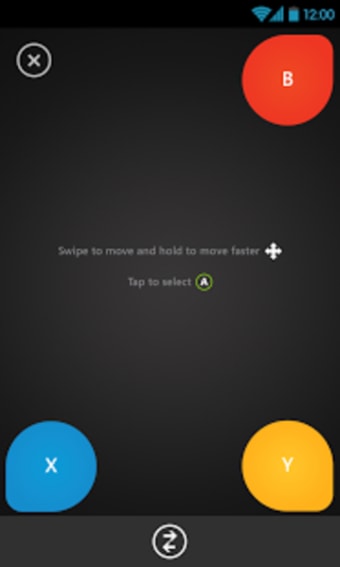
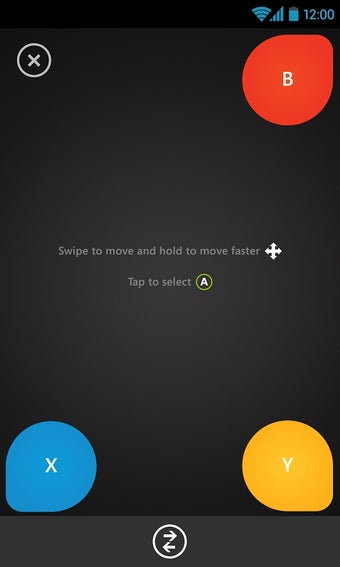
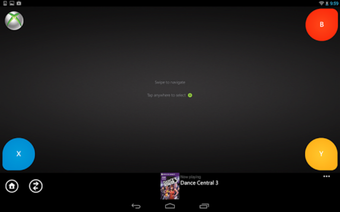
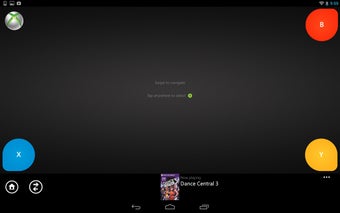
One of the most useful features of the Xbox 360 SmartGlass app is the ability to turn your Android device into a remote control for your Xbox. The gamepad isn't the best way to navigate the Xbox interface and it is terrible for any kind of text input. Xbox 360 SmartGlass solves this by giving users a full screen trackpad to swipe around. The 4 corners have buttons assigned to them. The best part of Xbox 360 SmartGlass' trackpad is that you can use it to input text with your phone or tablet's keyboard.
Entertainment at your fingertips
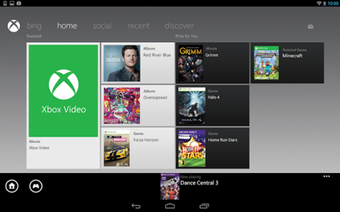
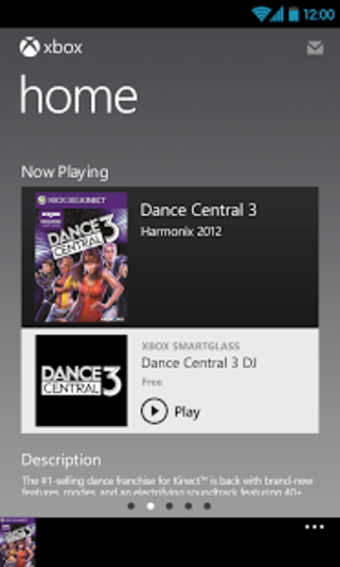
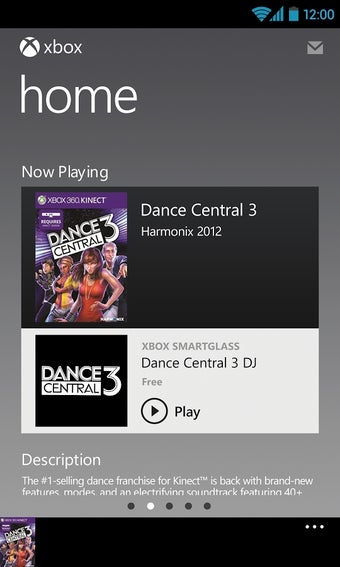
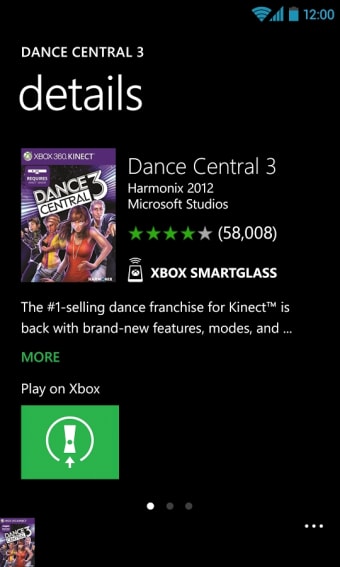
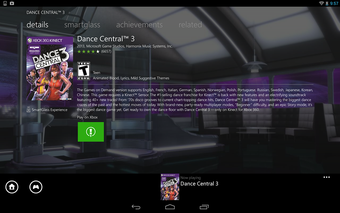
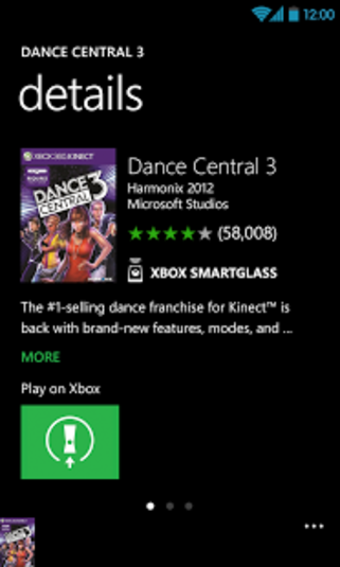
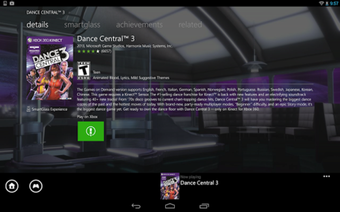
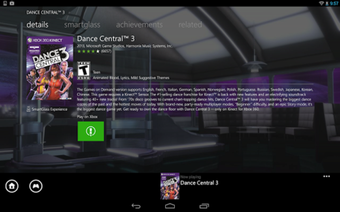
Additionally, Xbox 360 SmartGlass will provide supplemental information about what you're listening to or watching with your Xbox. For example, you can start watching a video you downloaded from the Xbox video store and the Xbox 360 SmartGlass app will pull up information about the cast, synopsis, photos, and more. This helps enrich the viewing experience for movies but unfortunately, it only works with 1st party software from Microsoft. Netflix and Last.fm will not pull additional information.
Xbox 360 SmartGlass is a gaming application that turns your Android device into a remote control and provides supplemental information on what you're playing, watching, and listening to.If you have the newer Xbox One console, then check out the Xbox One SmartGlass app, which is designed specifically for the latest generation console.
Overall, Xbox 360 SmartGlass is a great trackpad and keyboard for your Xbox but its limited app support stops it from being truly useful.

















.png)